MCP Sub-Registries
Updated 22 May 2026
Sub-registries are an organizational layer below the server catalog that contain your curated group of specific MCP servers. Sub-registries cannot be published to the Official MCP Registry.
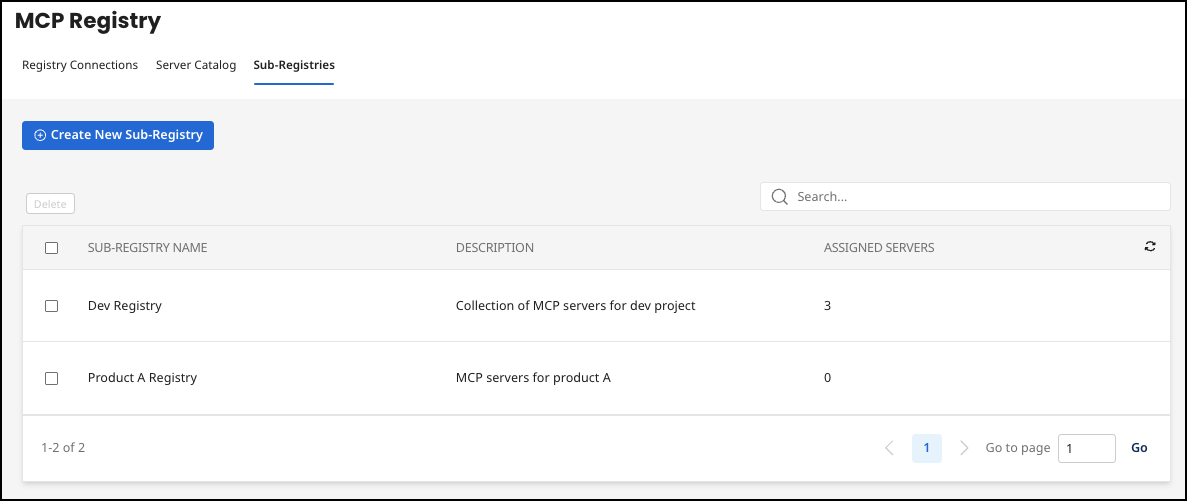
Create a sub-registry and add servers to it
You can assign any MCP server in the MCP Registry to a sub-registry. This is a way to group servers for a particular need or audience.
- Select Create New Sub-Registry.
- Add a Name and optional Description.
- Select Create New Sub-Registry.
- Select the row of the newly-created sub-registry.
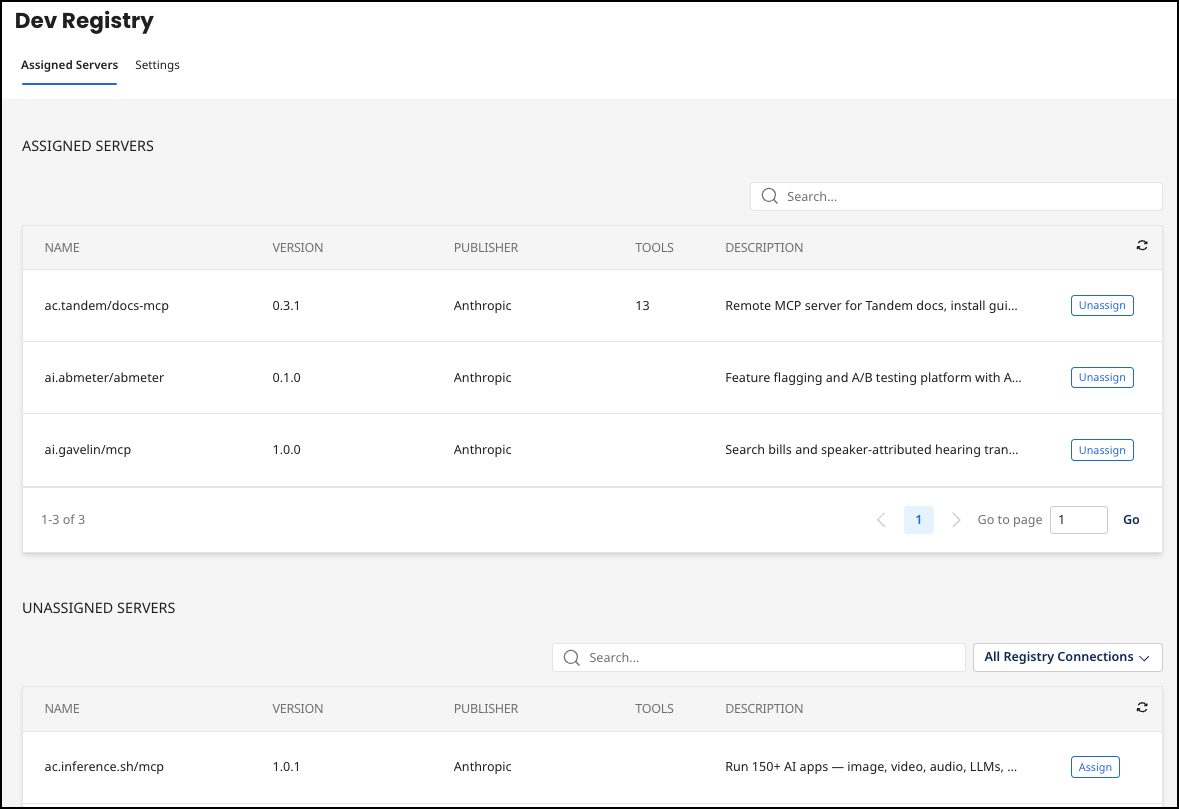
- Select Assign to add servers to the sub-registry. To remove, select Unassign.
